

Portraits and profile pictures
Remove distracting backgrounds from portraits. Inspect flyaway hair and other fine edges before saving.
Upload a JPG, PNG or WebP (up to 15 MB), remove the background and download a transparent PNG. No account needed; up to 5 free removals per day.
Get first access to Lensora Looks.
Choose a JPG, PNG or WebP image, select Remove background, and download the transparent PNG. You can preview the cutout before saving it, without signing up.
Select a JPG, PNG or WebP image up to 15 MB. No account is required.
Choose Remove background. Lensora sends the image to its processing provider and prepares the cutout.
Review edges such as hair or reflections, then download the result as a PNG with transparency.
Switch between portraits, products and graphics. Drag across the frame to compare the original image with the background-free result.
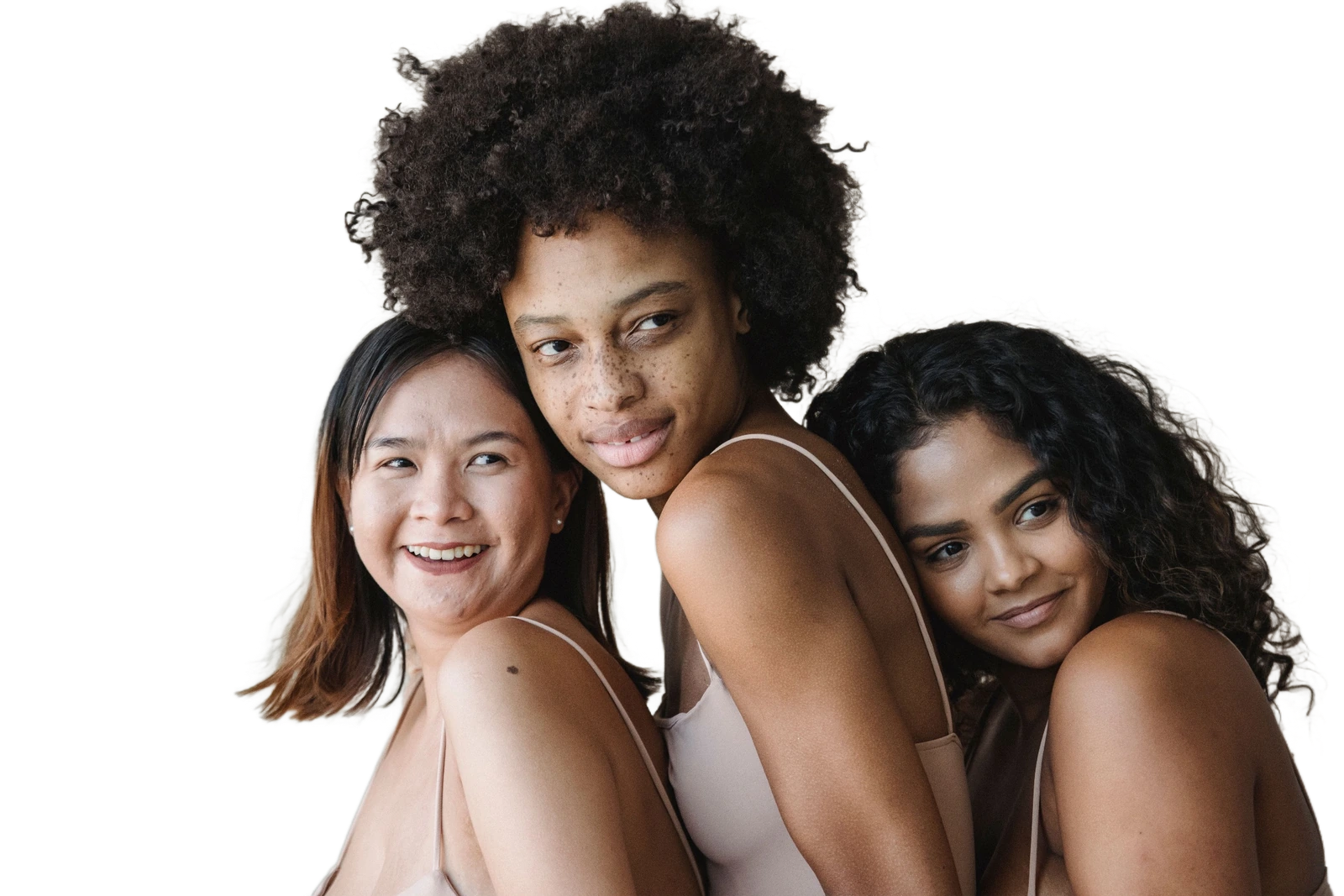
Drag to compare
Explore three before-and-after examples above. Lensora exports a cutout that you can use in your own creative work.
Remove distracting backgrounds from portraits. Inspect flyaway hair and other fine edges before saving.
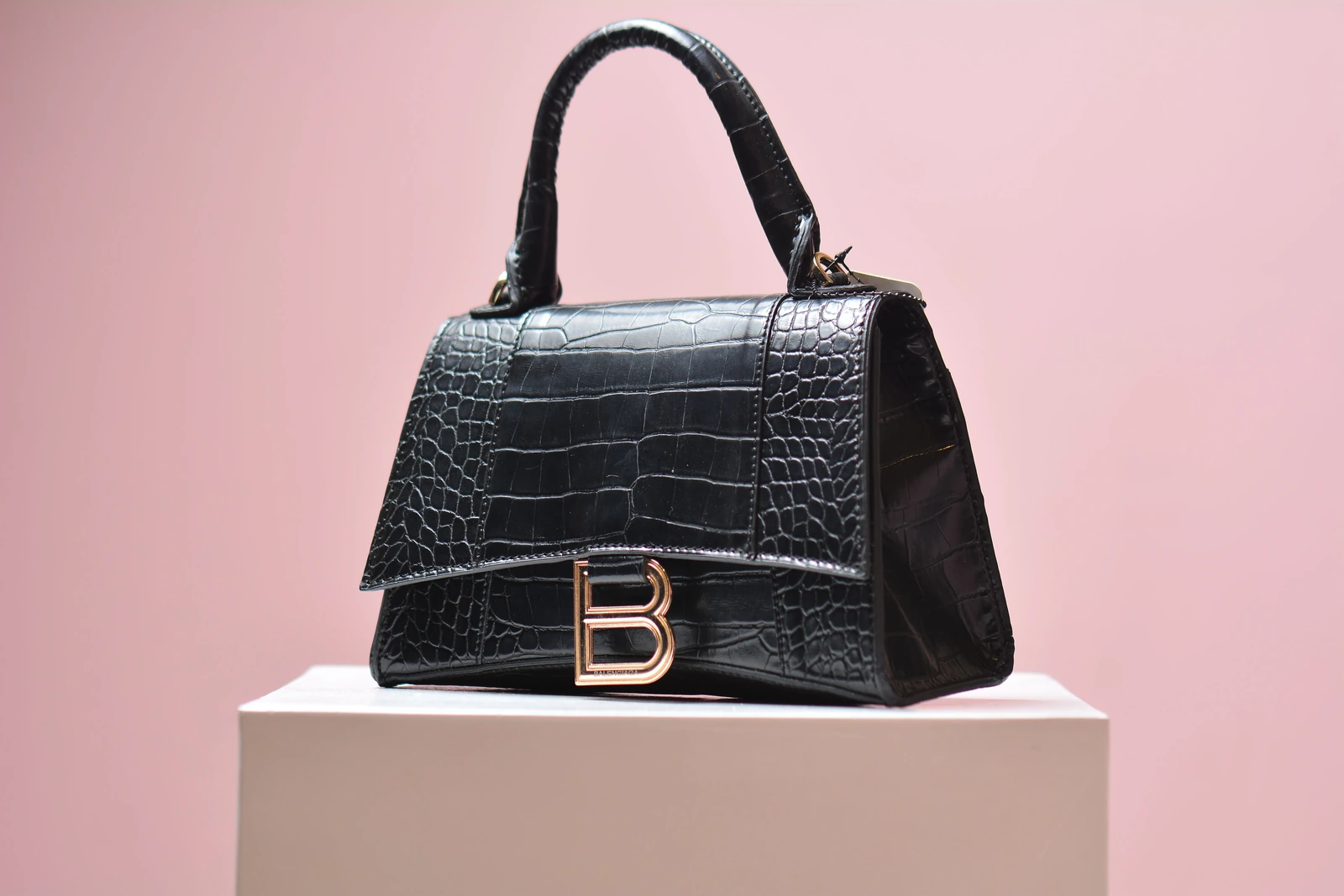
Create product cutouts for listings and catalogs. Check reflective surfaces and subtle contours in the preview.

Export transparent elements for layouts and scrapbook-style compositions. The tool makes a cutout, not a complete sticker pack.
Upload JPEG, PNG or WebP files up to 15 MB. Download a transparent PNG after processing. There are up to 5 free removals per visitor per day, subject to service capacity and abuse controls. Images are sent to an external image-processing provider for this request. Read the Privacy Policy.
Answers about free removals, transparent PNGs, image formats and cutout quality.
Yes. You can remove up to five image backgrounds per day for free, without creating an account.
Yes. Once processing succeeds, download your photo as a PNG with transparency.
Images are sent to a third-party image-processing provider to complete your request. Review the privacy policy for how data is processed.
Yes. Upload a product photo, remove its background and download a transparent PNG for use in store listings or designs.
Yes. Download the background-free PNG and use that cutout in your preferred sticker, collage or design tool.
You can use portrait photos. Complex hair, glass and fine details can require checking the preview before downloading.
No. The background remover runs in a web browser on desktop or mobile; no Lensora Looks app account is needed.
JPEG, PNG and WebP are accepted, up to 15 MB per file. The downloaded result is a transparent PNG.
No. Your original file is not overwritten; the tool produces a separate PNG for you to download.